

Put both your names on it
NellyList is the shared bucket list app for couples and families. Add the places you want to go, things you want to try, and adventures you want to share — then experience them and check them off together.
- Free to start
- Updates live for everyone
- Hundreds of ready-made lists

From idea to done, together.
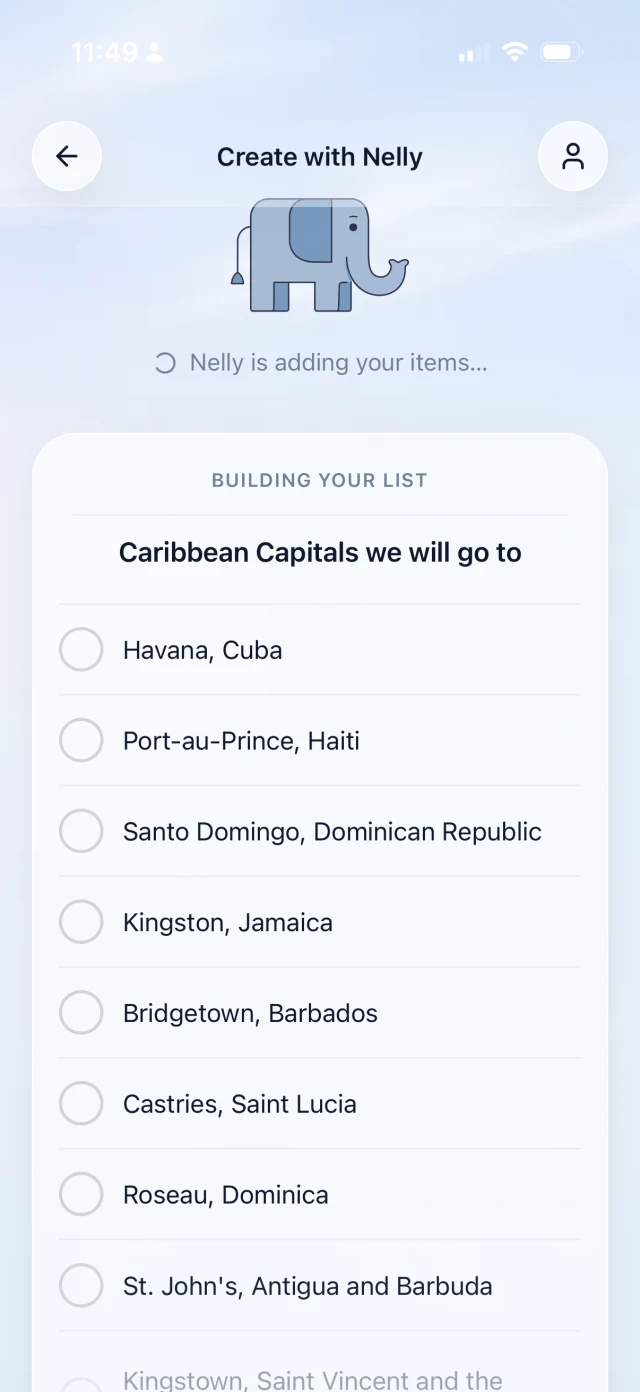
Create a list yourself, or describe what you want to do and Nelly builds it in seconds.
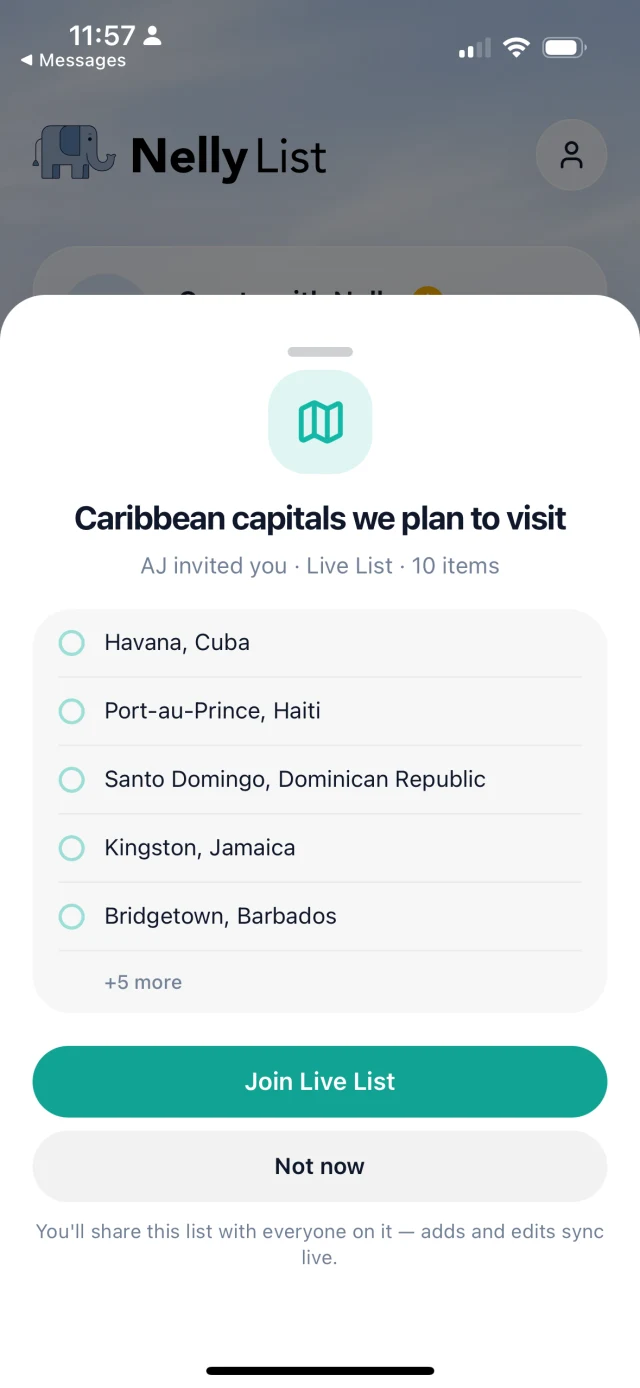
Bring your partner, family, or friends onto one Live List that updates for everyone.
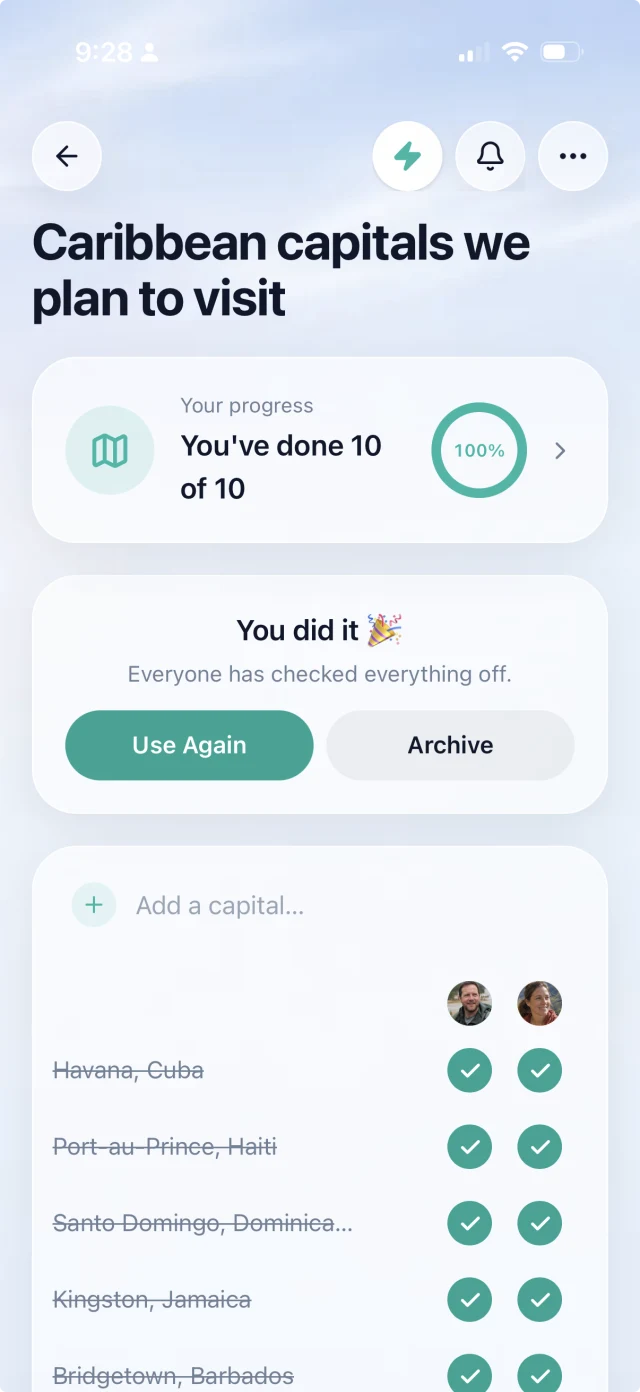
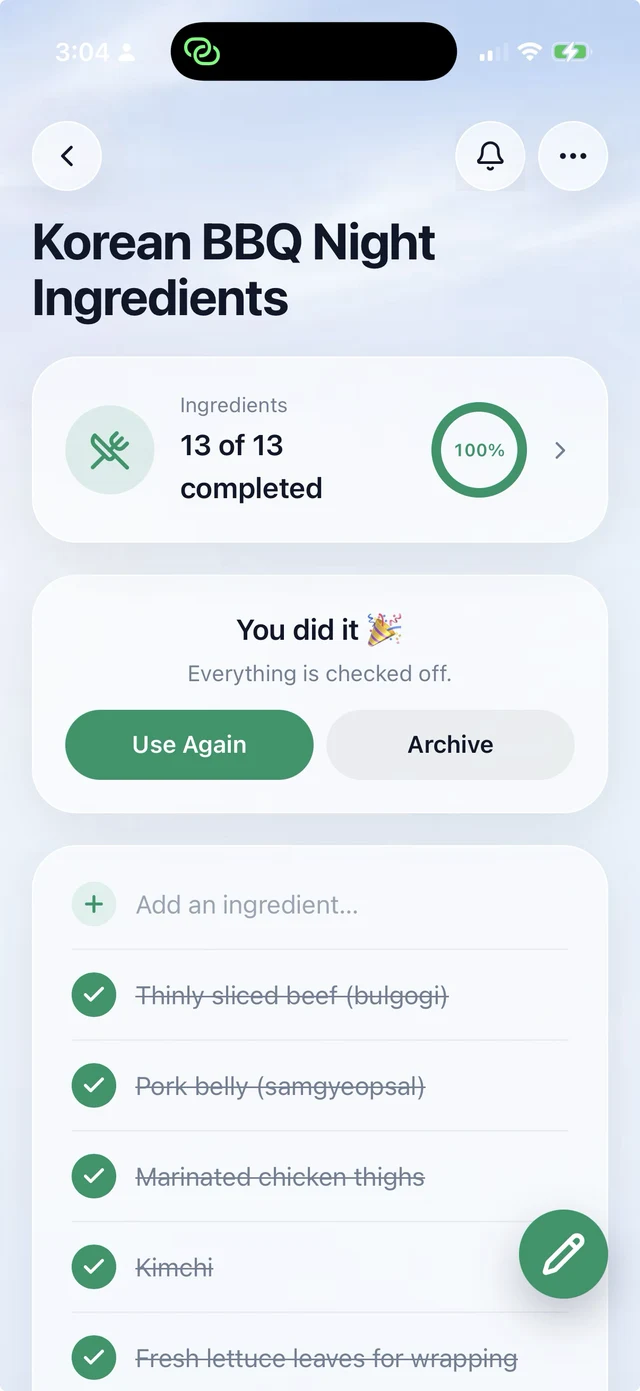
Everyone tracks their own progress, and the shared count climbs until you reach 100%.
Organize longer pursuits by person, place, category, or year. Everything works offline and syncs when you sign in, so your list stays with you wherever the pursuit takes you.
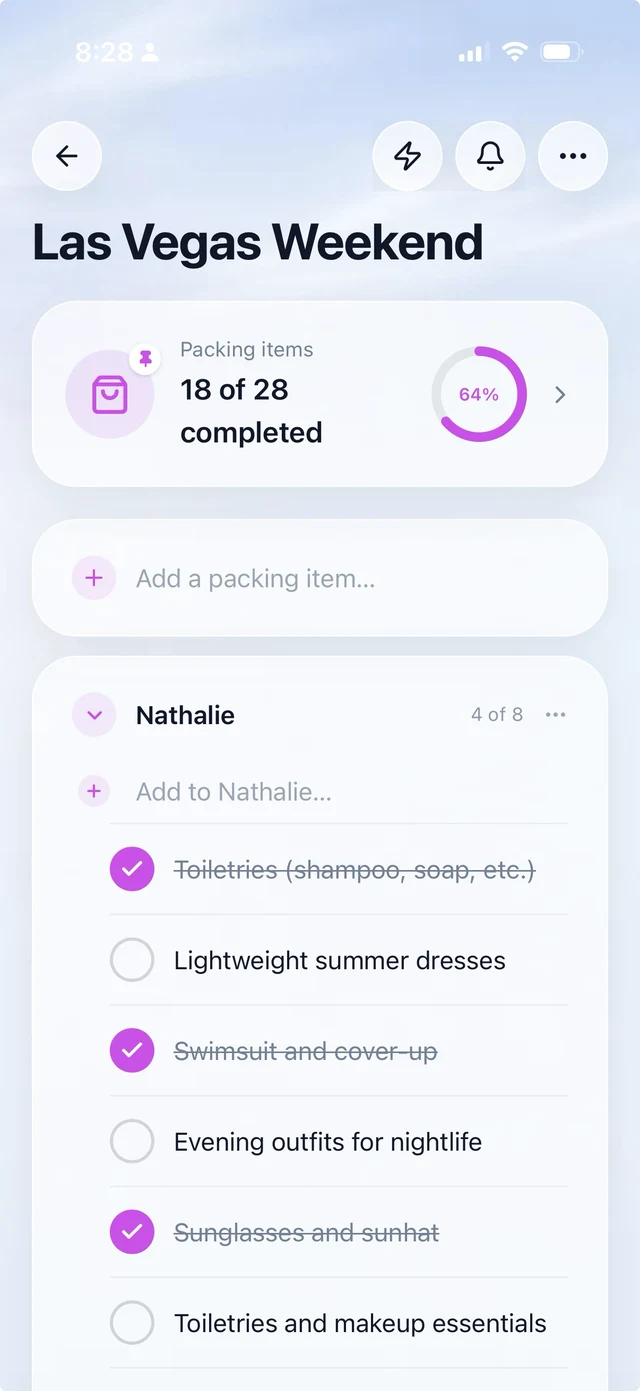
Made for more than two
A list for a couple and a list for a family of five aren't the same shape. Groups let you split one list into named sections — a part for each person, one per trip, or one per year — so a big list stays readable instead of turning into a scroll. Collapse the sections nobody's working on. Drag things between them when plans change. Everyone still sees one list, updating live, rather than four separate ones that quietly drift apart.
What people put on it
The lists people actually finish tend to be the ones with a number in them — a set you can get to the end of.
- All 63 US national parks
- Every Best Picture winner
- The 100 books
- The 50 states
- Every restaurant on the list you made in 2019
- The trips, the hikes, the recipes, the concerts
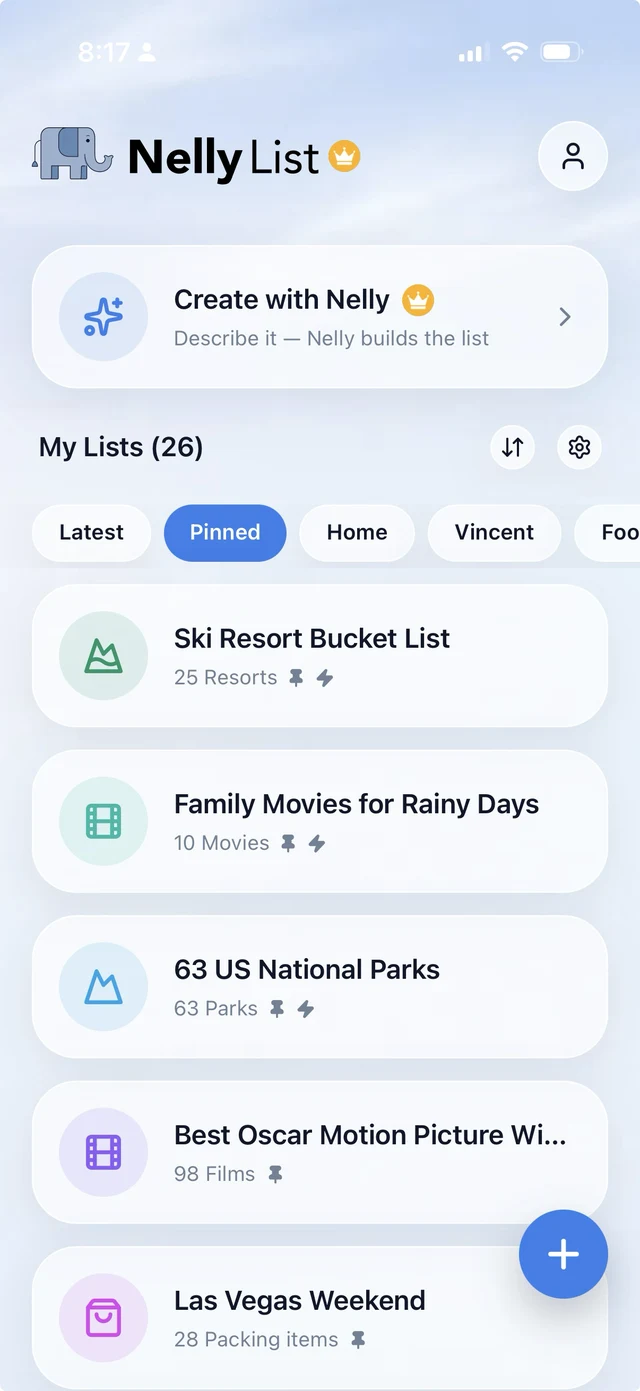
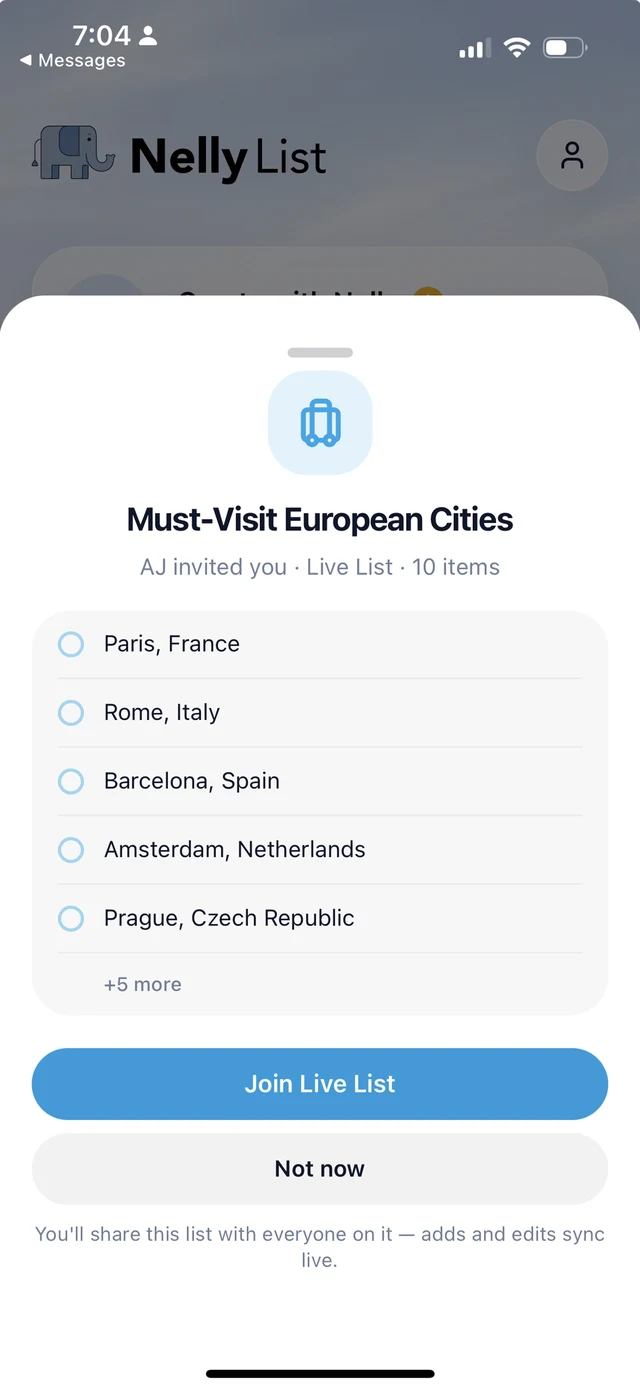
Start from a list someone already made
You don't have to begin with an empty screen. The List Library has hundreds of ready-made lists — all 63 national parks, every Best Picture winner, the 100 books — and importing one takes a tap. It arrives as your list: rename it, cut the entries you don't care about, add the three you'd never forgive yourself for missing, then make it a Live List and send it to the people you're doing it with.
Starting from something real matters more than it sounds. A blank list asks you to remember everything at once, which is how bucket lists stall at four items and never grow. A list of 63 asks a better question — which of these are we doing first?
When you can't decide what's next
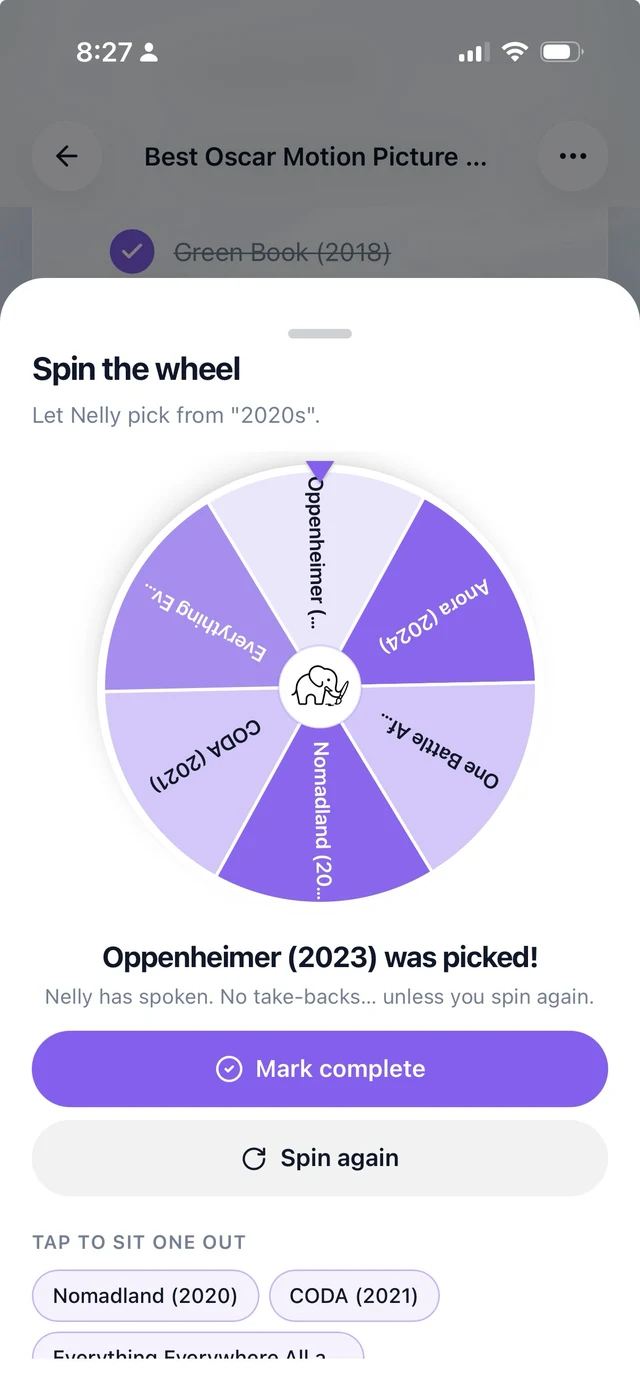
Having the list is one problem. Choosing from it on a Friday night is another. Spin the wheel and let NellyList pick — from the whole list, or from one group of it — then go do whatever it lands on. It's a small thing that breaks the loop where nobody wants to choose and you end up doing none of it.
How it's different from a shared notes app
Apple Reminders and a shared note will hold the items. They won't show you progress, they won't keep a running count of what's finished, and they won't make it feel like anything when you get there. NellyList is built for finishing: progress tracking, an activity view so you can see who updated the list, and ranked lists for when you'd rather argue about the order.
Finishing is the part a note ignores. A note only ever gets longer, and it never tells you you're forty in. When the count moves, the list stops being a wishlist and starts being a plan you're partway through — which is usually what makes someone book the thing.
Progress you can see, not a wall of text
An activity view — who updated what
Ranked lists when order is the argument
What NellyList costs: free, or Pro.
For everyday list life.
- Unlimited lists, items, and to-dos
- Labels, icons, colors, pin, archive, and reorder
- Task reminders
- Cloud sync when signed in
- Live Lists — collaborate and stay in sync
- Share lists by link
- Create with Nelly: about 25/month, 5/day, up to 32 items
- 2 included themes
- Includes ads
or $29.99 a yearSave 37%
For routines, power users, and people who live in lists.
- Everything in Free
- Ad-free experience
- More Create with Nelly: about 200/month, 25/day, up to 100 items
- Recurring lists that auto-reset
- List-level reminders
- Completion history
- 8 premium themes

Frequently asked
- Can two people edit the same bucket list at once?
- Yes — make it a Live List and it syncs in real time between everyone on it.
- Does everyone need an iPhone?
- NellyList is iPhone-first, and it works best when everyone has the app.
- Can I start from a ready-made list instead of a blank one?
- Yes — the List Library has hundreds of lists you can import in a tap, from national parks to movie marathons.
- Is it free?
- Yes, you can make and share lists for free.
- Is this a to-do app for work?
- No. NellyList is for personal life — the things you want to do, not the things you have to deliver.

Make the list. Do it together. Finish it.
Add the places you want to go and the things you want to try, then check them off together.
Built for iPhone and web.